
Title : Custom PageBuilder
Created At: 5-31-2025
Tags:
Article HTML CSS JavaScript CMS PageBuilderWhile the current UI may appear minimal and not highly polished, that’s by design—for now. This PageBuilder CMS was built with a strong focus on functionality first, enabling real, hands-on control over layout, content, and responsiveness. The goal was to create a powerful content-building engine that works—fast, reliably, and without requiring code.
Now let’s explore what it can actually do.
Our PageBuilder CMS offers a comprehensive set of tools that allow users to craft compelling content layouts with ease. Whether you’re building a blog post, promotional page, or multimedia gallery, everything is made possible with just a few clicks:
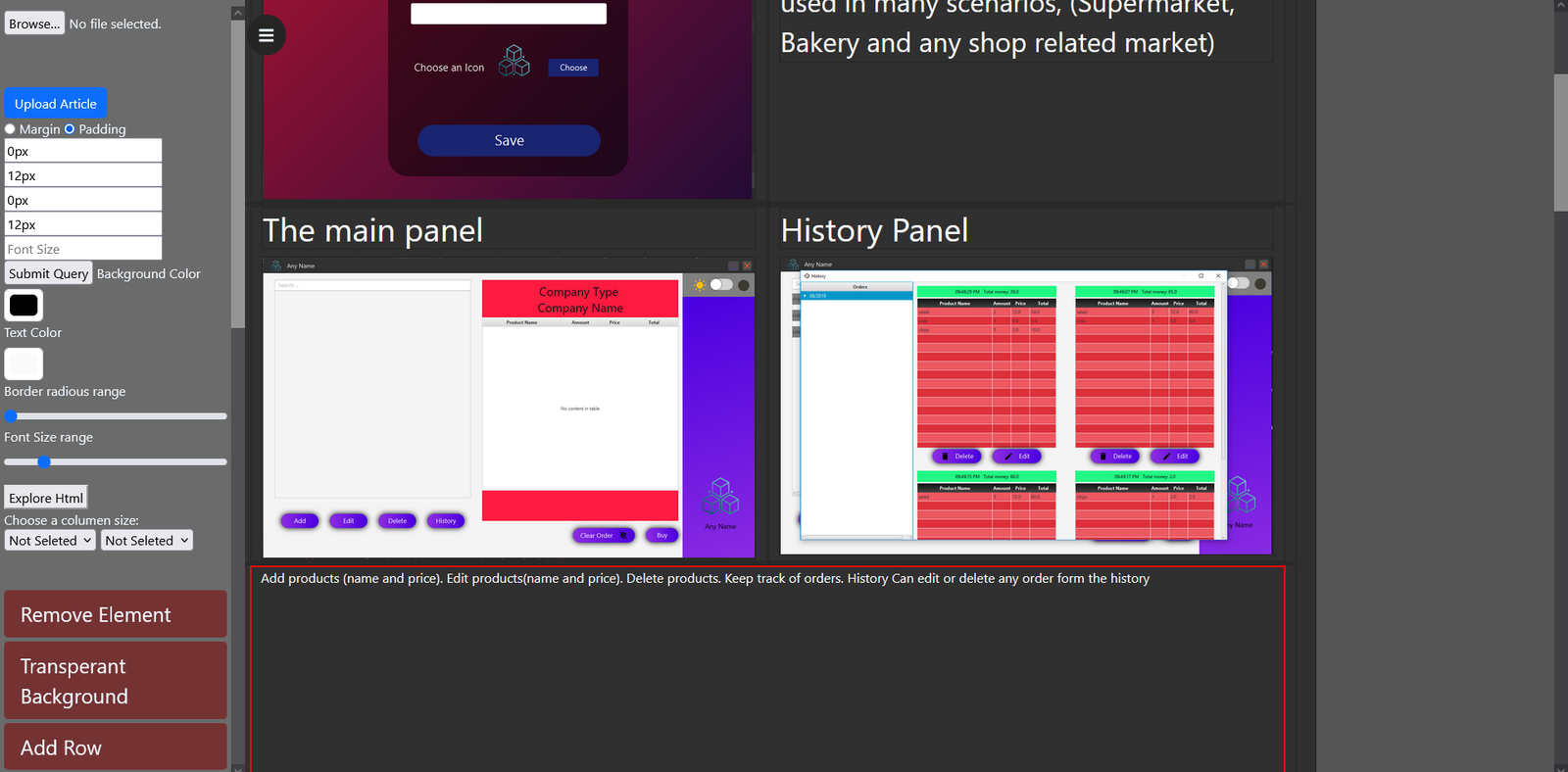
Instant access to styling utilities such as justify-center, text-end, col-md-, p-, and more.
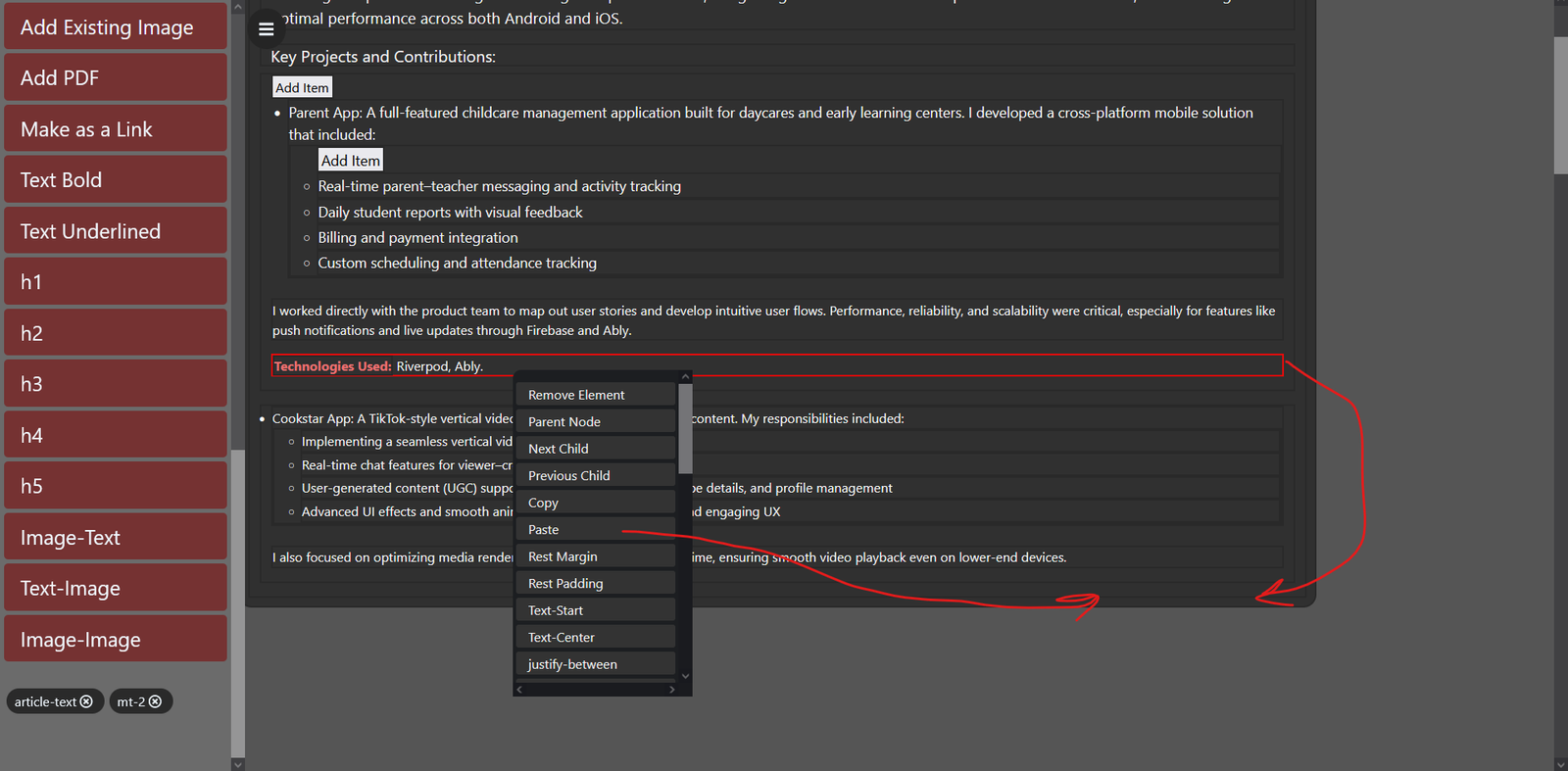
This menu ensures precision styling while maintaining simplicity—perfect for quick layout adjustments.
any text here One of the most user-loved features is the
Content Duplication Menu:
This functionality boosts productivity and consistency while minimizing repetitive work.
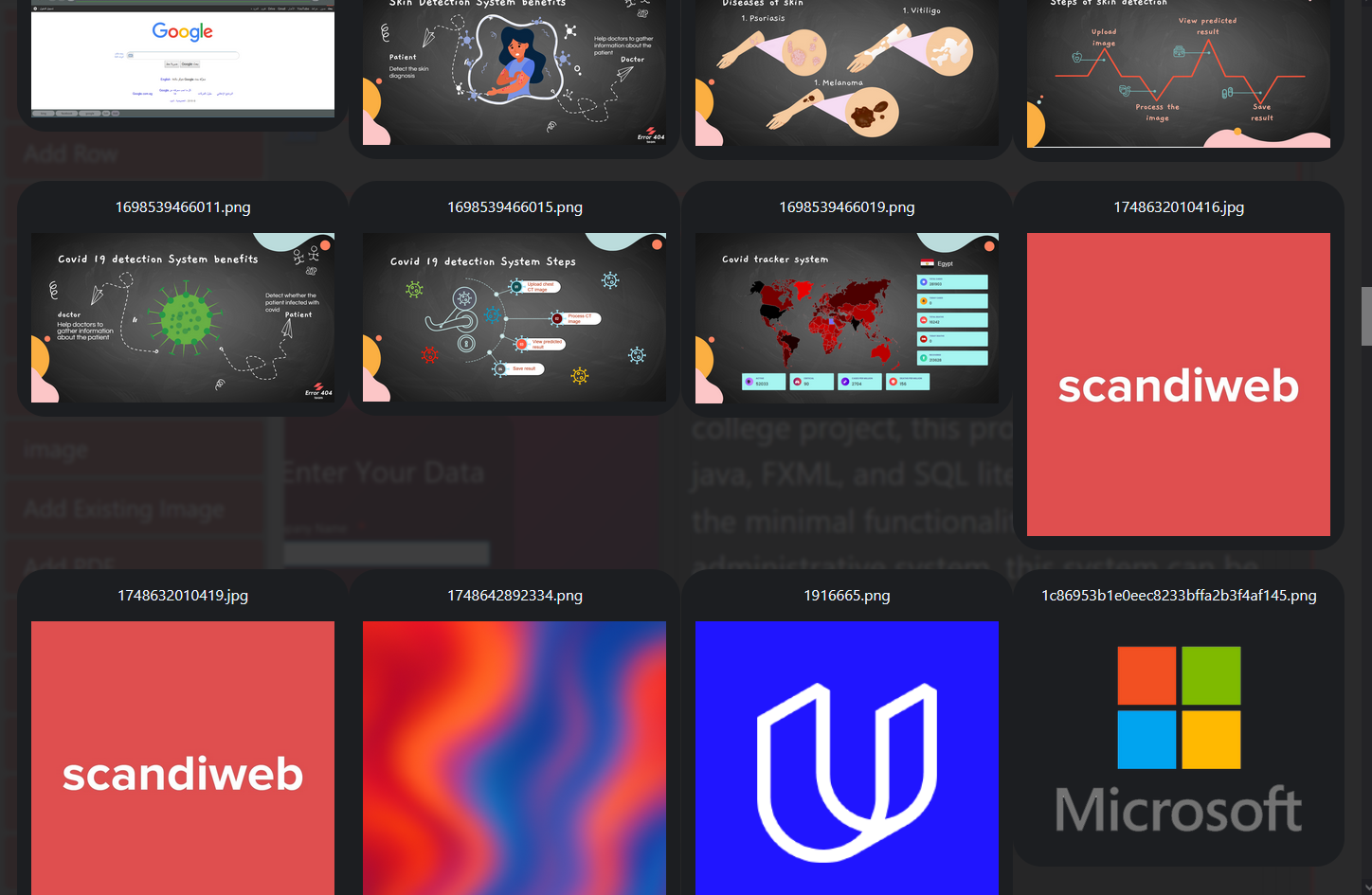
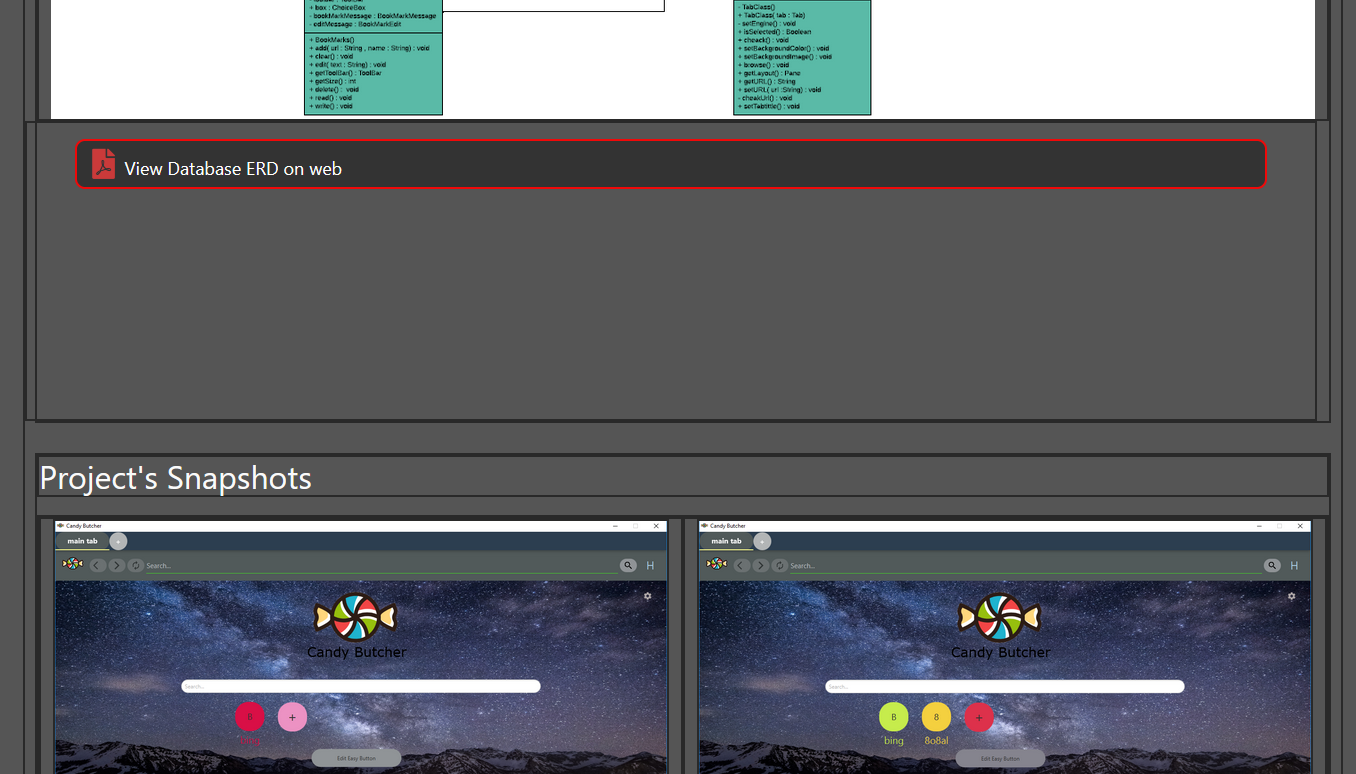
any text Upload, manage, and reuse your media effortlessly. Our PageBuilder includes:
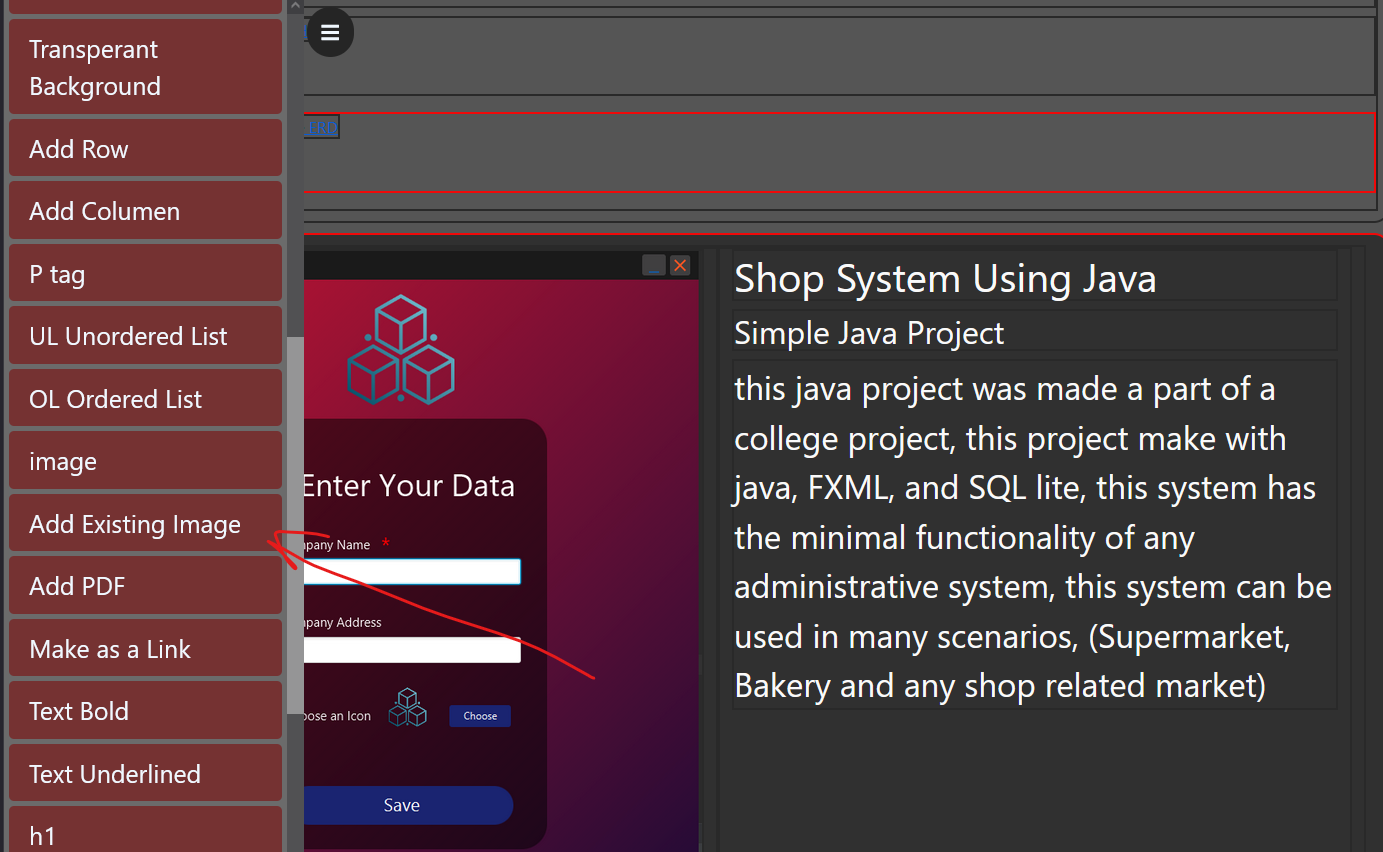
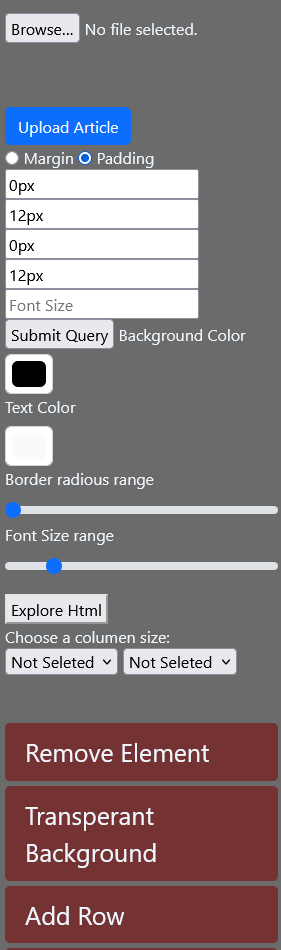
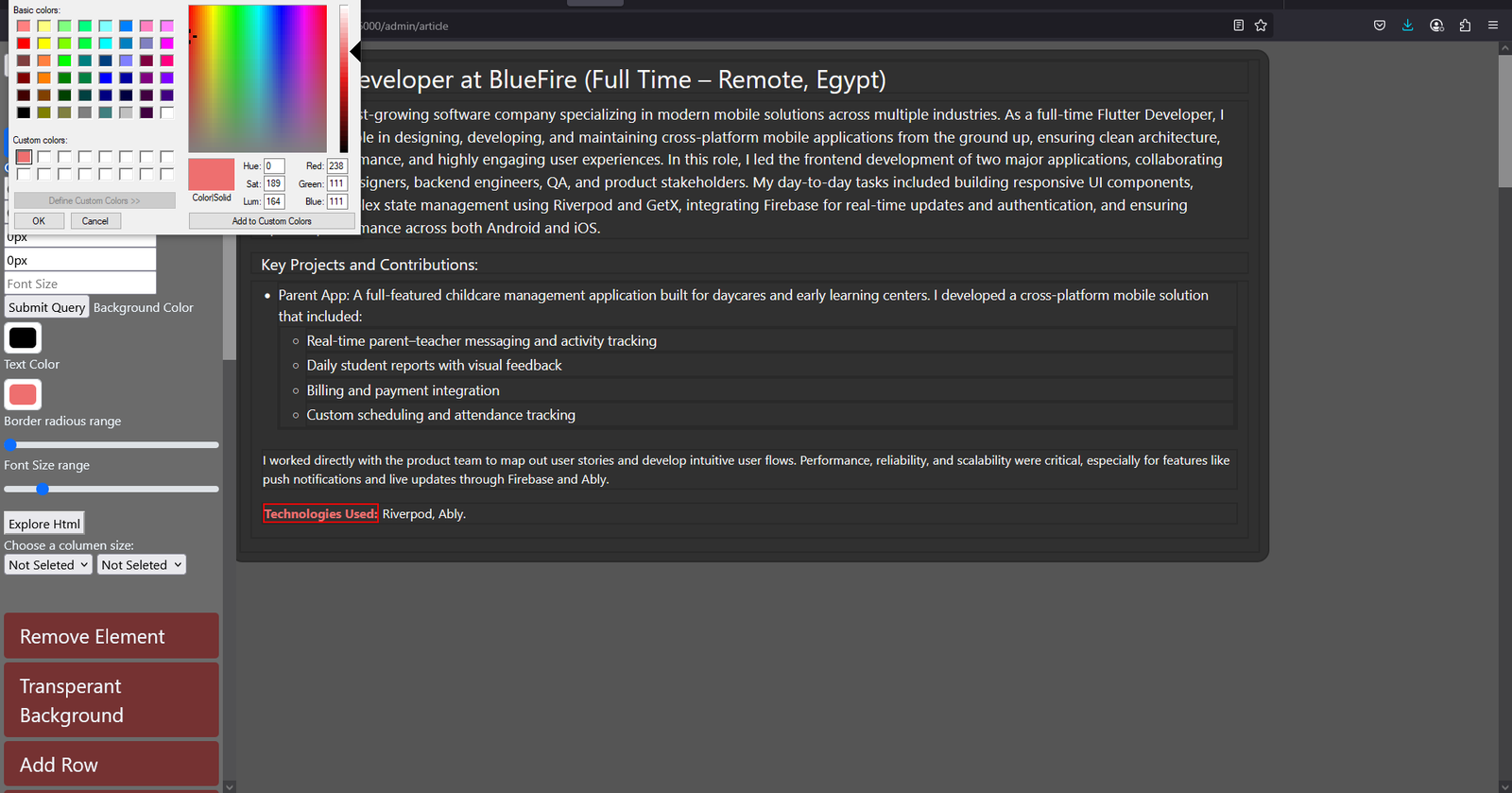
Make every article unique with visual customization options:
To give users even more control, the PageBuilder includes a dedicated panel that displays all the CSS classes applied to the currently selected element. From here:
In addition, the builder makes it simple to add and style links directly within your content:
This PageBuilder CMS was crafted with a clear focus: empower users to create flexible, responsive content without needing to write code. While the UI is intentionally minimal at this stage, the system underneath is fully custom-built from scratch using HTML, CSS, and JavaScript. Inspired by the functionality of other modern CMS platforms, this tool was designed to mimic and improve on those systems in a highly tailored way—focused entirely on real-world usability and control. From class-level styling and responsive layouts to smart content duplication and link styling, everything has been engineered to give both developers and content creators a fast, scalable, and intuitive experience. Whether you're managing a single article or building out a dynamic website, this CMS is ready to support your workflow—without technical barriers.
Pick Yor Avater






















.jpg)
.jpg)



Comment Section